2021-09-30
Where It All Began: My First HTML Website
A nostalgic look back at my very first local web page, featuring raw HTML, W3Schools tutorials, and a whole lot of learning.
The Goal
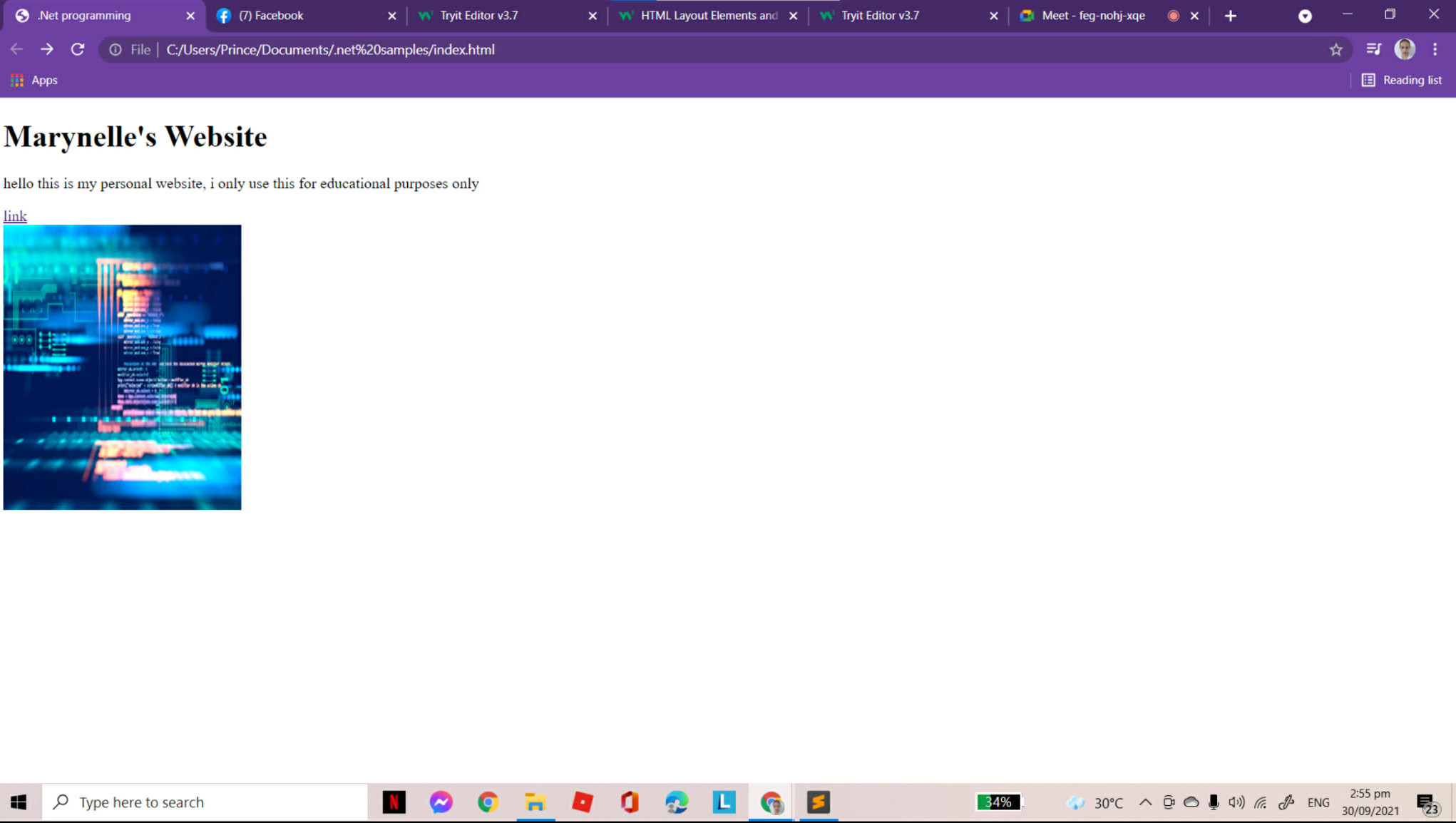
To figure out how the web works from scratch. As the page text explicitly states, it was "for educational purposes only" — a safe, local sandbox to experiment with basic tags, get something to render on the screen, and prove to myself that I could build a functional webpage.
Design Decisions
- Default Browser Styling: Relying entirely on default typography (good old Times New Roman) and a white background to focus strictly on HTML structure rather than getting distracted by CSS.
- The "Hacker" Aesthetic: Including a generic, neon "code" stock image to make the project feel more technical and authentic to a budding developer.
- Bare-Bones Linear Layout: Using a purely functional structure — an
<h1>, a<p>, a simple hyperlink, and an<img>stacked directly on top of each other to grasp the basic document flow.
What I Learned
I learned the fundamental building blocks of the web. I figured out how to write code in an editor (Sublime Text), reference W3Schools to understand layout elements, and run an index.html file locally directly from my C: drive. Most importantly, I learned the core loop of web development: write code, save the file, and refresh the browser to see the magic happen.
What I'd Do Differently
Looking at it now, I wouldn't leave it sitting in a randomly named .net samples folder on my local drive. I would immediately initialize a repository and push it up using the GitHub CLI so my earliest progress was properly version-controlled and preserved. I'd also start thinking about the user experience right out of the gate, applying basic UI/UX design principles to structure the interface rather than just dropping raw elements onto a blank page.